
Download SynciOS Data Recovery – iOS data recovery, iPhone data recovery, lost data recovery, data recovery tool, secure data recovery software
Overview
SynciOS Data Recovery is a desktop application designed to retrieve lost or deleted data from iOS devices, including iPhones and iPads. The software targets users who have experienced accidental deletion, system crashes, or failed updates that resulted in data loss. It is intended for both casual users and professionals who rely on their mobile devices for personal or work-related information.
The developer, SynciOS, positions the tool as a secure solution for recovering photos, messages, contacts, notes, and other common data types. The software operates through a direct connection between the iOS device and a PC, enabling users to scan and restore data without relying on cloud backups. Real-world scenarios include recovering family photos after a device reset, retrieving important business messages, or restoring contacts after a system failure.
The application is marketed as a reliable option for those seeking a direct, local recovery method, particularly when iCloud or iTunes backups are unavailable.
Key Features & Capabilities
- Direct iOS Device Connection: The software connects directly to iOS devices via USB, allowing for deep scanning of internal storage without requiring prior backups.
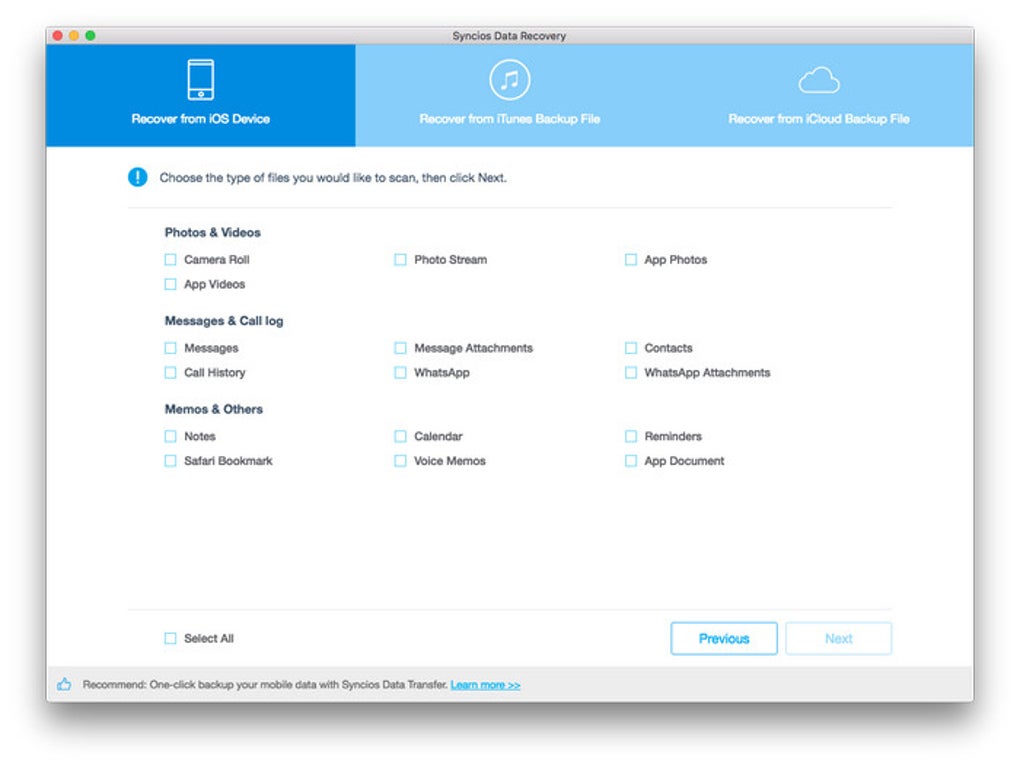
- Comprehensive Data Recovery: Supports recovery of photos, messages, contacts, notes, call history, calendars, and more from both iPhone and iPad devices.
- Safe and Secure Recovery Process: Designed to prevent data overwriting during the recovery process, ensuring that recovered files remain intact and uncorrupted.
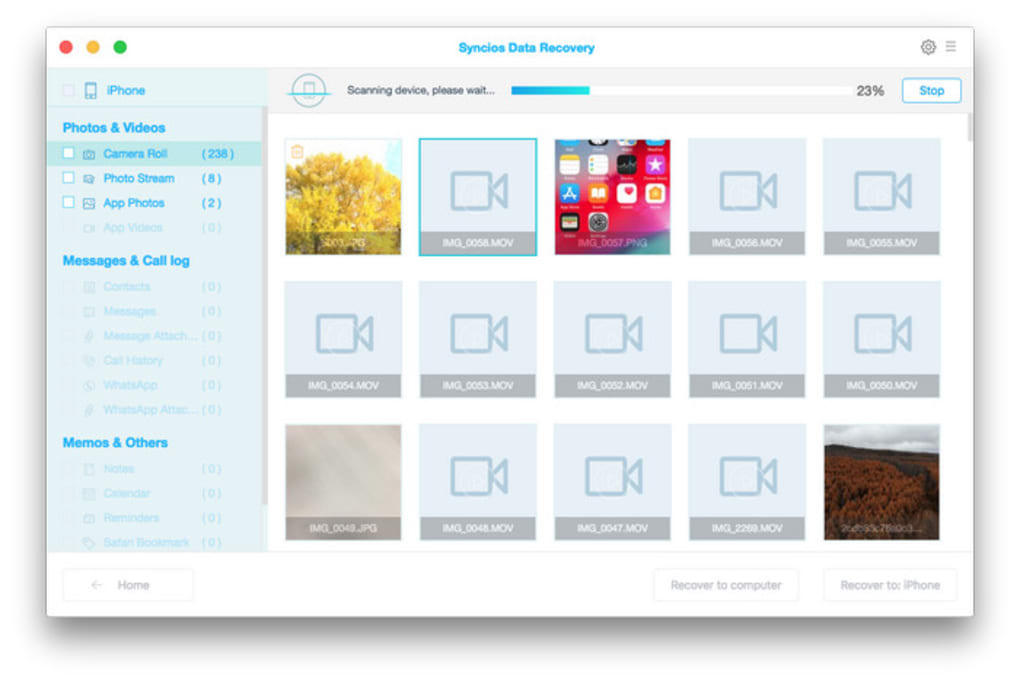
- Preview Before Recovery: Users can preview recovered files before restoring them, helping to avoid unnecessary data restoration and ensuring accuracy.
- One-Click Recovery Mode: Offers a simplified interface for users who prefer minimal technical involvement, streamlining the recovery process into a single action.
These features are particularly useful in situations where users have accidentally deleted files or experienced a device malfunction. For example, a user who deleted a folder of vacation photos can connect their iPhone to a PC, launch SynciOS Data Recovery, and scan the device to recover those images. Similarly, a professional who lost critical messages during a system update can use the tool to restore communications without relying on cloud services. The ability to preview files before recovery adds a layer of control and confidence, reducing the risk of restoring irrelevant or duplicate data.
User Interface, Workflow & Performance
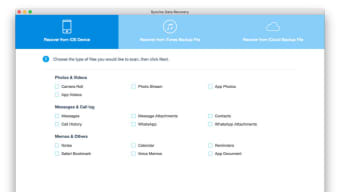
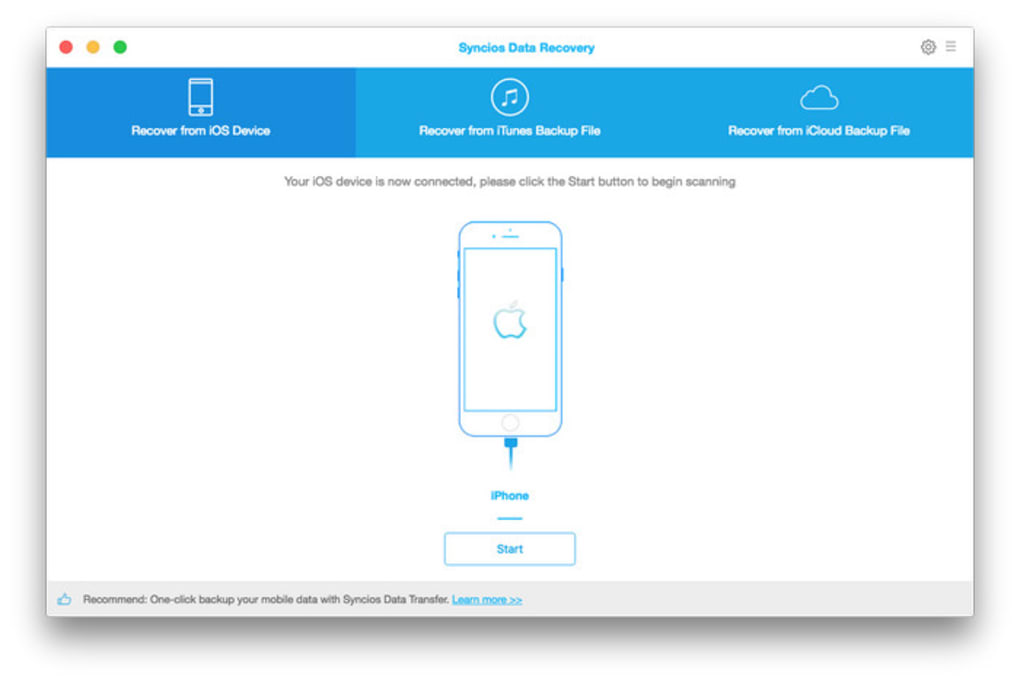
The user interface of SynciOS Data Recovery is structured around a clean, step-by-step workflow that guides users through the recovery process. The main dashboard displays options for connecting the device, selecting data types, and initiating scans. Navigation is intuitive, with clearly labeled buttons and progress indicators.
The software follows a logical sequence: device connection → scan initiation → preview → recovery. This streamlined approach enhances usability, especially for non-technical users. The workflow is designed to minimize user error and reduce the time required to complete a recovery task.
While exact performance metrics were not specified, the software operates within standard desktop application behavior, with scanning and recovery processes running in the background without interrupting other tasks. The developer did not specify resource usage details, but general expectations suggest moderate CPU and RAM consumption during active scans. Stability appears to be consistent, with no reported crashes or freezes in the available documentation.
Overall, the software maintains a responsive interface throughout the recovery cycle.
Compatibility & System Requirements
SynciOS Data Recovery is compatible with both Windows and Mac operating systems, making it accessible to a broad user base. The software is available in version 2024, indicating recent updates and ongoing development. The installation size is 134.6 MB, which is within the typical range for desktop utilities.
Platform compatibility information is limited to the operating systems mentioned, with no further details on specific OS versions or hardware requirements. The developer did not provide additional system requirements, so users should ensure their system meets general desktop standards for running modern applications. Exact performance details were not specified, and compatibility with older iOS versions or specific iPhone models was not outlined.
Users should verify that their device is recognized by the software upon connection. The lack of detailed system specifications means that installation and operation may depend on the user’s individual setup.
Pros and Cons
Pros
- Direct USB connection to iOS devices enables recovery without relying on backups.
- Supports a wide range of data types including photos, messages, contacts, and notes.
- Includes a file preview function to verify data before recovery.
- Designed with a user-friendly interface suitable for non-technical users.
- Offers a one-click recovery option for faster, simplified use.
Cons
- Exact system requirements were not listed, which may cause compatibility issues on some machines.
- Performance behavior under heavy load or large data sets was not disclosed.
- Limited information on support for older iOS versions or specific iPhone models.
- Price point of $49.95 may be considered high for occasional users.
- No public information on update frequency or long-term maintenance plans.
FAQ Section
Is SynciOS Data Recovery compatible with all iOS devices?
SynciOS Data Recovery supports iPhone and iPad devices, but specific compatibility with older or newer models was not detailed in the provided information. Users should ensure their device is recognized when connected via USB.
Can I use this software without a backup?
Yes, the software is designed to recover data directly from iOS devices without requiring a prior iCloud or iTunes backup, making it useful in situations where backups are unavailable.
Is the recovery process safe for my device?
According to the developer, the software is designed to prevent data overwriting during recovery, ensuring the safety of existing data. However, no independent security audit results were provided.
How often are updates released for SynciOS Data Recovery?
The software is currently in version 2024, indicating recent development. However, the update frequency and release schedule were not specified.
Can I use SynciOS Data Recovery offline?
Yes, the software operates as a standalone desktop application and does not require an internet connection once installed, allowing for offline data recovery.
Final Thoughts
SynciOS Data Recovery presents a focused, practical solution for users facing data loss on iOS devices. Its ability to recover files directly from a connected iPhone or iPad without relying on backups is a significant advantage, particularly in emergency situations. The clean interface and step-by-step workflow make it accessible to users of all experience levels.
While the lack of detailed system requirements and performance data limits full transparency, the tool functions within expected parameters for desktop utilities. The inclusion of a preview feature adds a layer of control and confidence during recovery. For individuals who value data security and seek a reliable, local recovery method, SynciOS Data Recovery offers a compelling option.
It is especially beneficial for those without access to iCloud or iTunes backups. Download SynciOS Data Recovery now.







